
Know exactly what software costs before you pay.
App Compare HQ explains software pricing, plans, limits, requirements and fixes in plain language. Every guide is researched by our team, so you can choose, use and troubleshoot software with confidence.
- Prices from official vendor pricing pages
- Limits and fine print explained clearly
- Reviewed by our editorial team
- Updated when vendors change their plans
- Official sourcesEvery price checked at the source
- Kept up to dateRevised when plans change
- IndependentVendors cannot buy rankings
- Plain languageClear answers, no jargon
Latest guides
Newly published and recently researched guides on software pricing, plans, requirements and fixes.
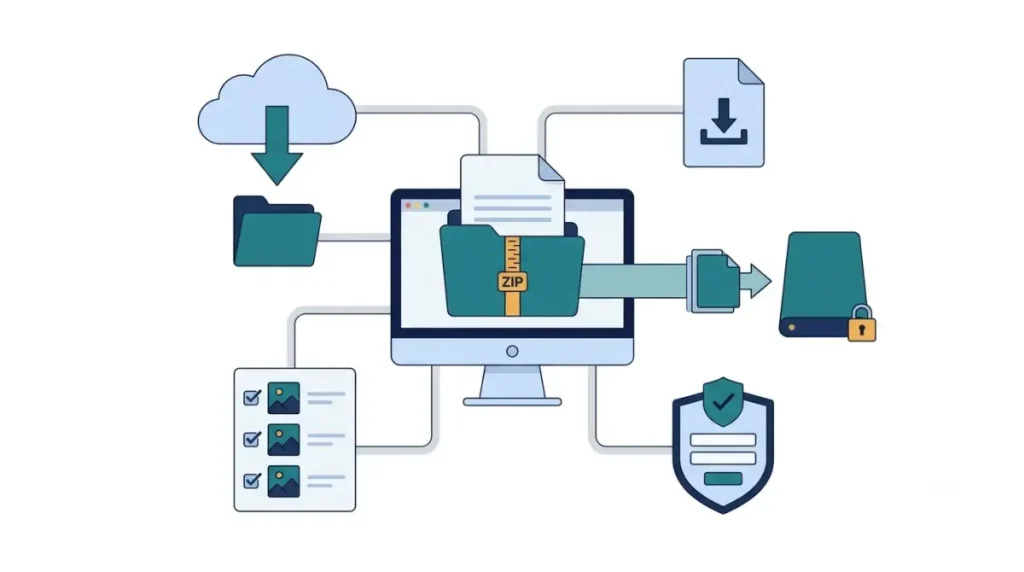
Canva Data Export: What the ZIP Includes and Leaves Out
Four ways to get your work out of CanvaWhat's inside Canva's account-wide ZIP?Not on Canva's list: Brand Kit, comments and foldersHow to download all Canva designs in one requestBefore you delete your accountRequest the ZIP on a computer, then check it against Projects Checked on…
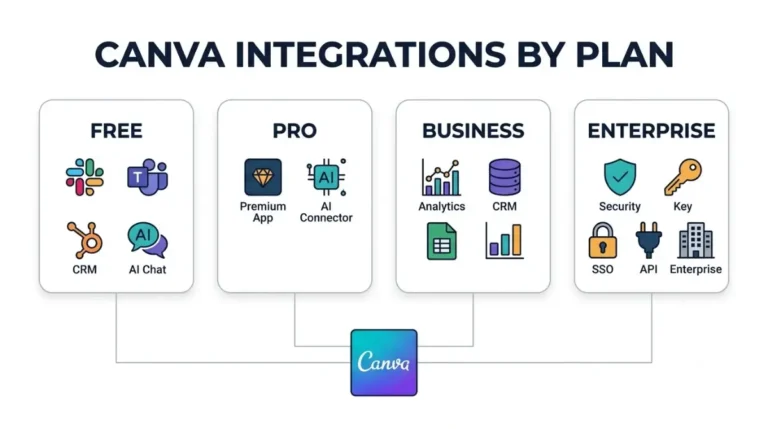
Canva Integrations on Every Plan, From Free to Enterprise
Canva integrations split three ways: Slack and HubSpot's app work on any plan, data connectors need Business, the Salesforce app needs Enterprise.
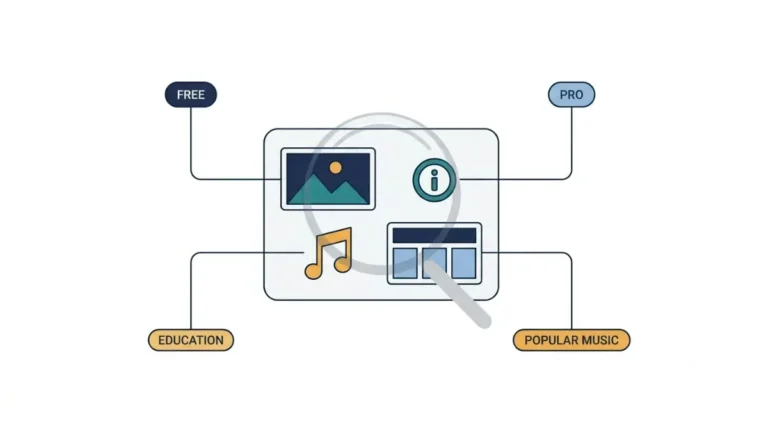
Canva License Types and Exactly What Each One Allows
Canva license types follow the content, not your plan: one Pro license covers one design, and three Canva pages disagree on who gets popular…
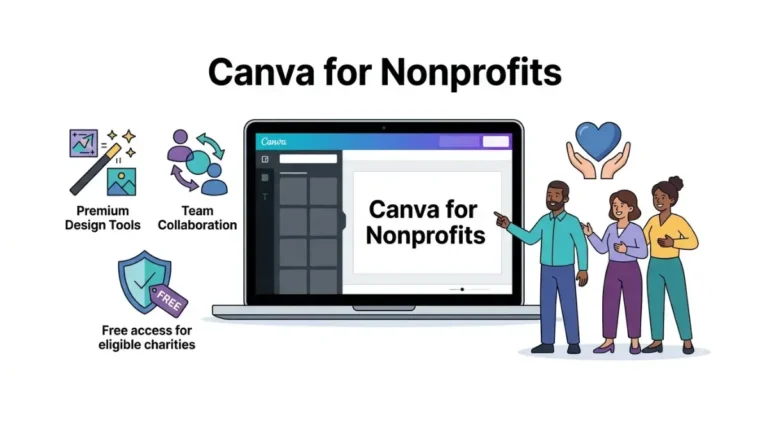
Canva for Nonprofits: who qualifies and how to get approved
Canva for Nonprofits approval turns on paperwork: Goodstack wants signed original PDFs over 30 days old, and Canva replies by email within 72 hours.

Who gets a Canva student discount, and who pays full price
Canva student discount codes promising % off aren't on Canva's own pages. See who qualifies for free access and what graduates should copy first.
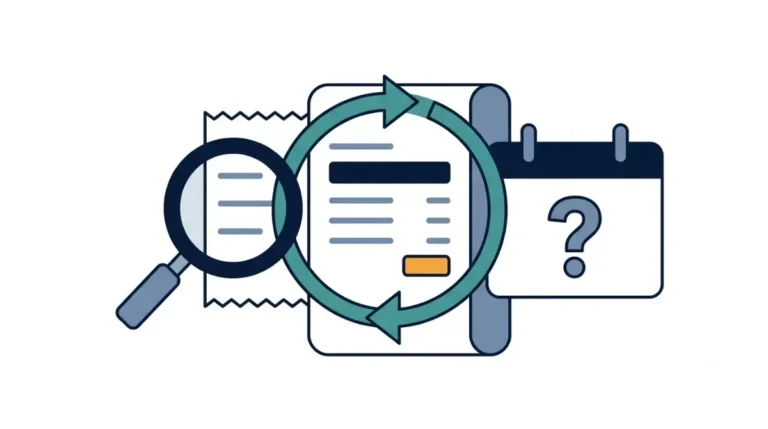
Canva Refund Policy vs the 7-to-60-Day Claims Online
Canva refund policy, read 16 October 2026, gives no window in days, though five sites claim 7 to 60. Here is who refunds you…
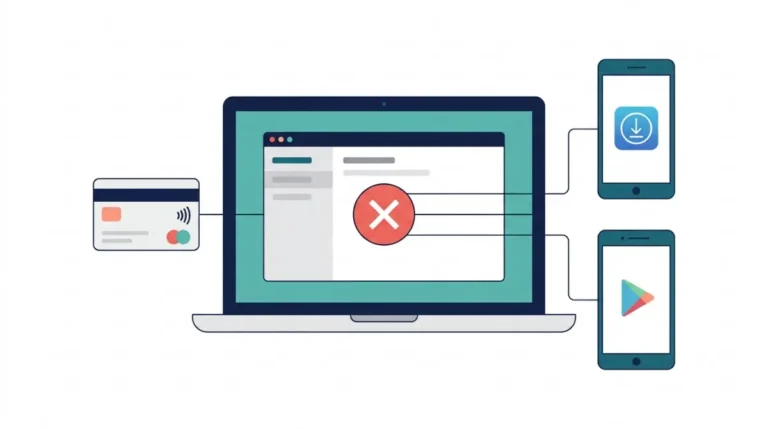
How to cancel Canva Pro on the web, iPhone or Android
Canceling Canva Pro keeps your designs on Free, but storage drops from 100 GB to 5 GB, and Canva’s Teams page says Pro elements…
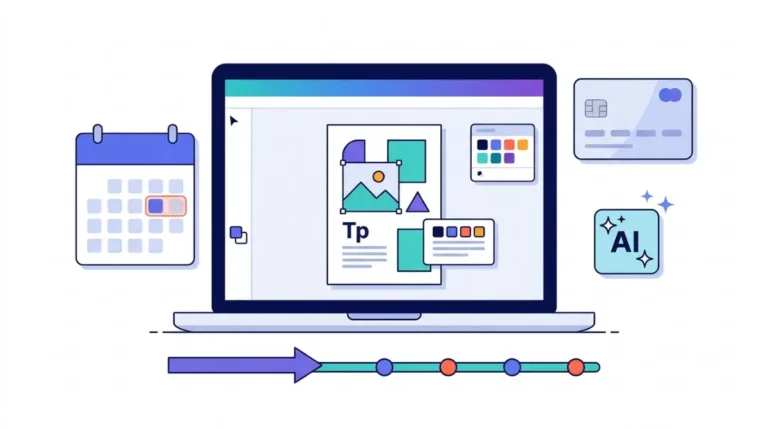
Canva free trial: what’s included and when Canva bills you
Canva free trial designs stay in your account on Canva Free after you cancel, and trials started through the App Store or Google Play…
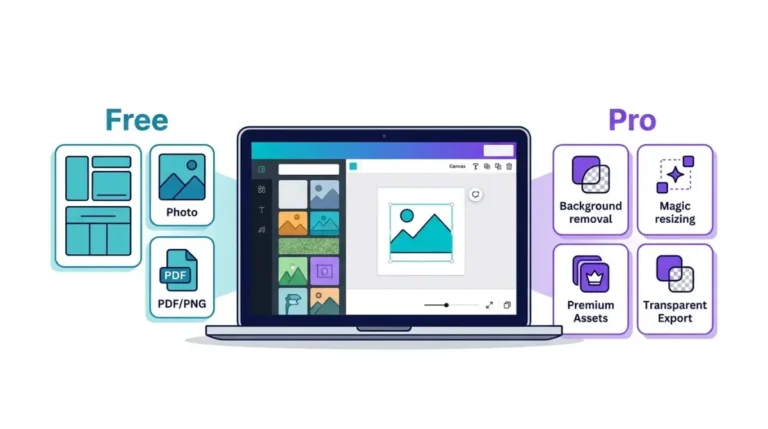
Canva Free vs Pro limits and what stays locked until you pay
Canva Free keeps unlimited folders and 5GB of storage, but premium stock carries a watermark and websites show a Designed with Canva footer.

Canva Business pricing per user and what five seats cost
Canva Business is billed per person, and on annual plans added seats land on a quarterly Billing Date with no credit if you remove…
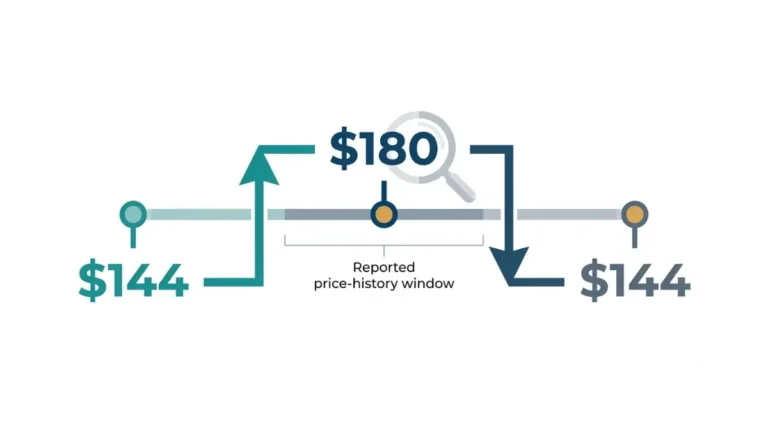
A Plain Record of the Canva Price Increase on Pro
Canva price increase on Pro, with Canva's notice terms effective 19 August 2026 and a way to compare your own Billing charges.
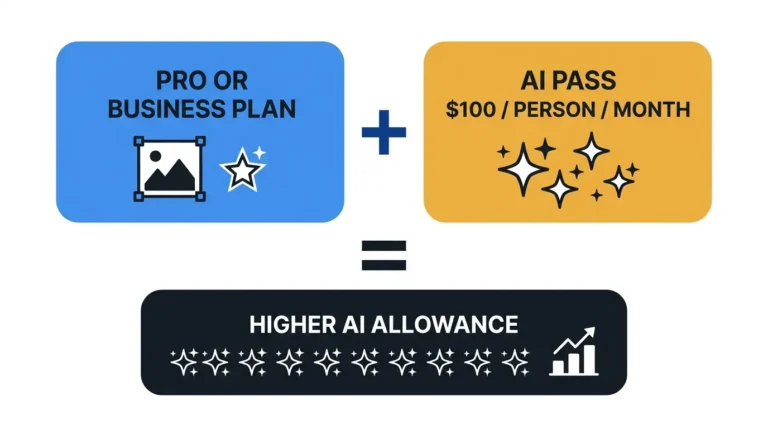
Canva Pricing Plan by Plan, Including the AI Cap and Add-Ons
Canva pricing, plan by plan: what Pro and Business list, what AI Pass adds at $100 per person a month, and a five-person total.
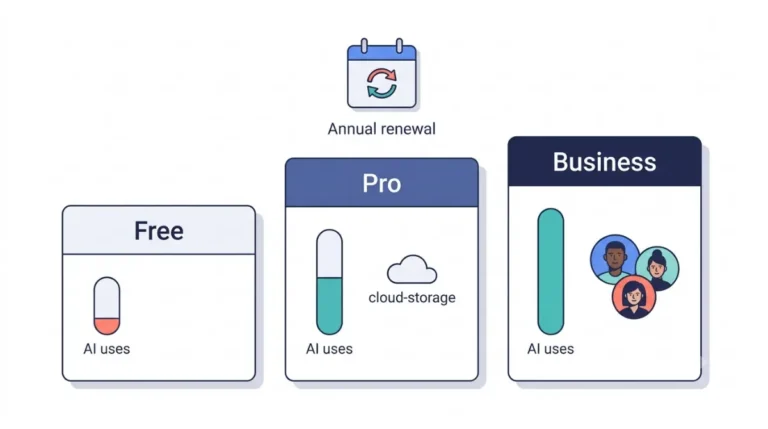
Canva Pro Price, Free AI Limits, Refunds and Extra Costs
Canva Pro price against Business at US$250 a year and AI Pass at US$100 per person a month, with each figure dated to the…
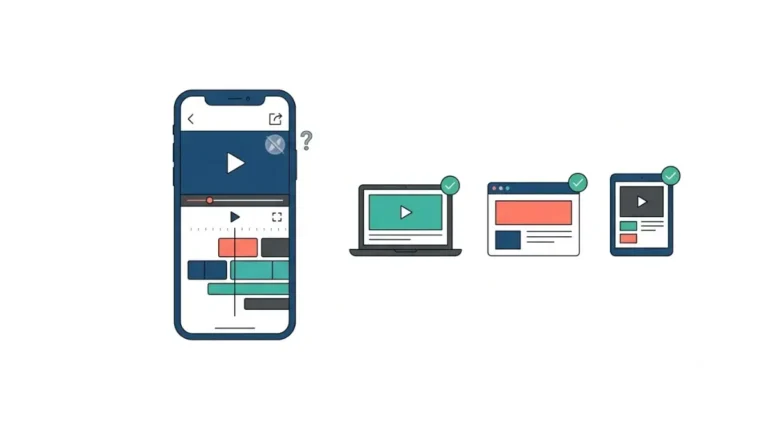
Free CapCut Alternatives Whose Own Pages Say No Watermark
Free CapCut alternatives, quoted from vendor pages: Microsoft says Clipchamp blocks saving instead of adding a mark. Resolve's page is silent. 12 Oct 2026.
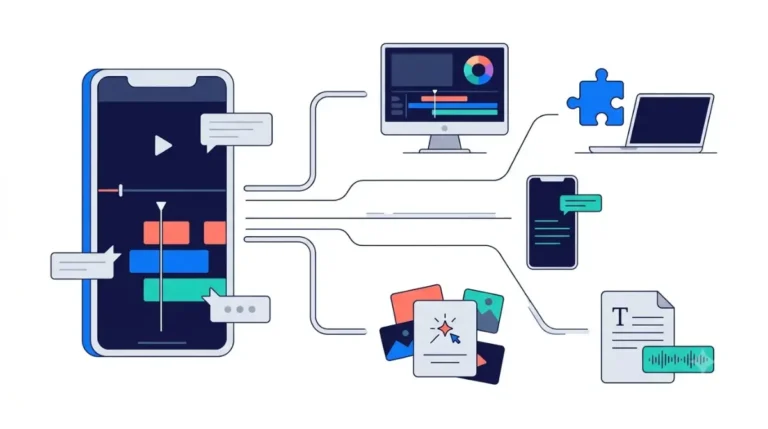
CapCut Alternatives, With Prices Taken From Each Vendor’s Page
CapCut alternatives with a free tier: Kdenlive is open source and Filmora watermarks free exports. Prices and limits are dated 12 Oct 2026.
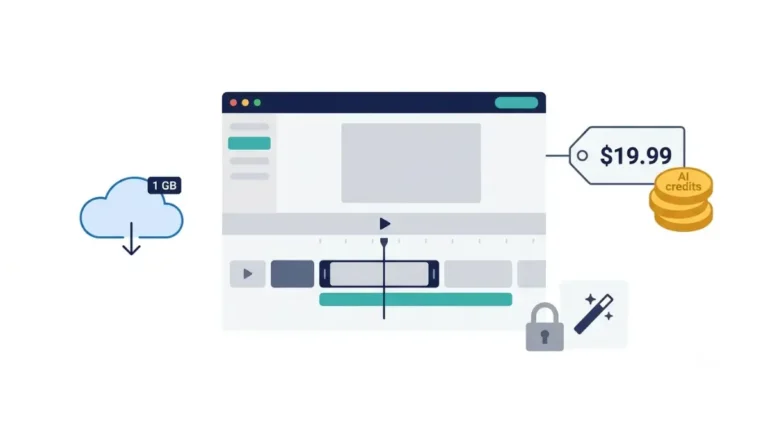
Did CapCut Get Worse? Price, Paywalls and the Record
Is CapCut getting worse? Its own pages disagree on free storage: one says it ended in August 2024, another mentions 1GB. See which claims…
Explore topics
Jump straight to every guide we have published about the software you use.
Answers for every stage of using software
From comparing plans before you subscribe to fixing an error after you do.
Pricing and plans
What each plan costs, what it includes, and how credits and usage limits really work.
Licenses and policies
Seats, refunds, cancellations, discounts and the fine print that affects what you pay.
Requirements
The hardware, operating systems and connections software needs to run well.
Troubleshooting
Step-by-step fixes for common errors, exports, sync problems and account tasks.
Every guide goes back to the source
Plenty of websites repeat outdated prices. We check official vendor pricing pages, documentation and help centres for every article, then explain what we find in plain language.
Read our review processSource research
Facts are collected from the vendor's official pages and documentation.
Analysis
We work out what plans and limits mean for real users.
Editorial review
An editor checks every figure, claim and link before publishing.
Ongoing updates
When vendors change prices or plans, we revise the guide.
Real people, clear standards
Led by an accountable editor
App Compare HQ is published by KCS Global Group from our office in Risali, Chhattisgarh, India. Our 7-member team researches, analyses and edits every guide.
Background in content operations and digital banking. Meet the team
Our recommendations are not for sale
Some links may earn us a commission, but that never decides what we recommend.
- Companies cannot pay for rankings or reviews
- Downsides and limits are always included
- Paid links are clearly disclosed
Spotted an outdated price?
Software changes fast. Tell us what has changed and our team will verify it and update the guide for every reader.